Capture ideas
Add a todo from the global header or repository workspace without interrupting the current task.

Repository todos are a planning backlog inside ProPR. Capture ideas from anywhere, organize them by category, drag them into priority order, search open or completed items, and turn selected todos into a new plan draft when they are ready for implementation.
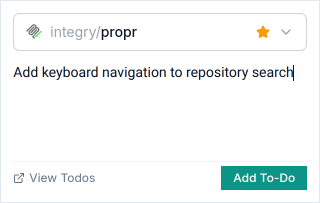
Add a todo from the global header or repository workspace without interrupting the current task.
Categorize, reorder, search, complete, reopen, edit, delete, and move todos between categories to keep the backlog usable.
Selected todos seed a planning prompt with the repository context already attached.
When a related set is ready, turn selected todos into a plan ready for review. Repository todos also pair with improvement suggestions, which the team saves into the backlog for later implementation.
Through the ProPR CLI, teams list, add, complete, move, delete, categorize, and reorder todos for scripts and terminal automation.