Source repository
The full ProPR codebase under Apache 2.0 — read it, self-host it, adapt it, contribute back.

Run ProPR's Apache 2.0 code and published Docker images on your infrastructure. Your repositories, credentials, CLI, agents, logs, and task history remain in the stack you operate. The quickstart gets it running with two commands.
A request becomes a plan, the selected agent runs in isolation, and the result returns as a pull request. The prebuilt release path runs on Linux amd64 with direct Docker daemon access and keeps state locally. Guided propr setup defaults to the shared-App token relay through ProPR Connect; your own GitHub App remains available for advanced deployments. Agent Tank adds capacity tracking when configured. Review the system requirements before provisioning a host.
The CLI needs Node.js 22+. propr setup guides host checks, agent authorization, GitHub connection, and startup. The individual commands expose each step; the propr/launcher image runs the same orchestrator without Node.js.
npm install -g propr-cli
propr setup

propr init stack
propr check
propr start
The propr CLI is a lightweight wrapper around the stack you run. It verifies the agent credentials already on your host, scaffolds the stack root — .env plus the data, logs, and repos directories — and starts the published images through the launcher on your host Docker daemon. Every generated file sits in the stack directory where you can inspect, diff, or edit it. The propr/launcher image runs the same orchestration when Node.js is unavailable. The documentation covers every path and port.
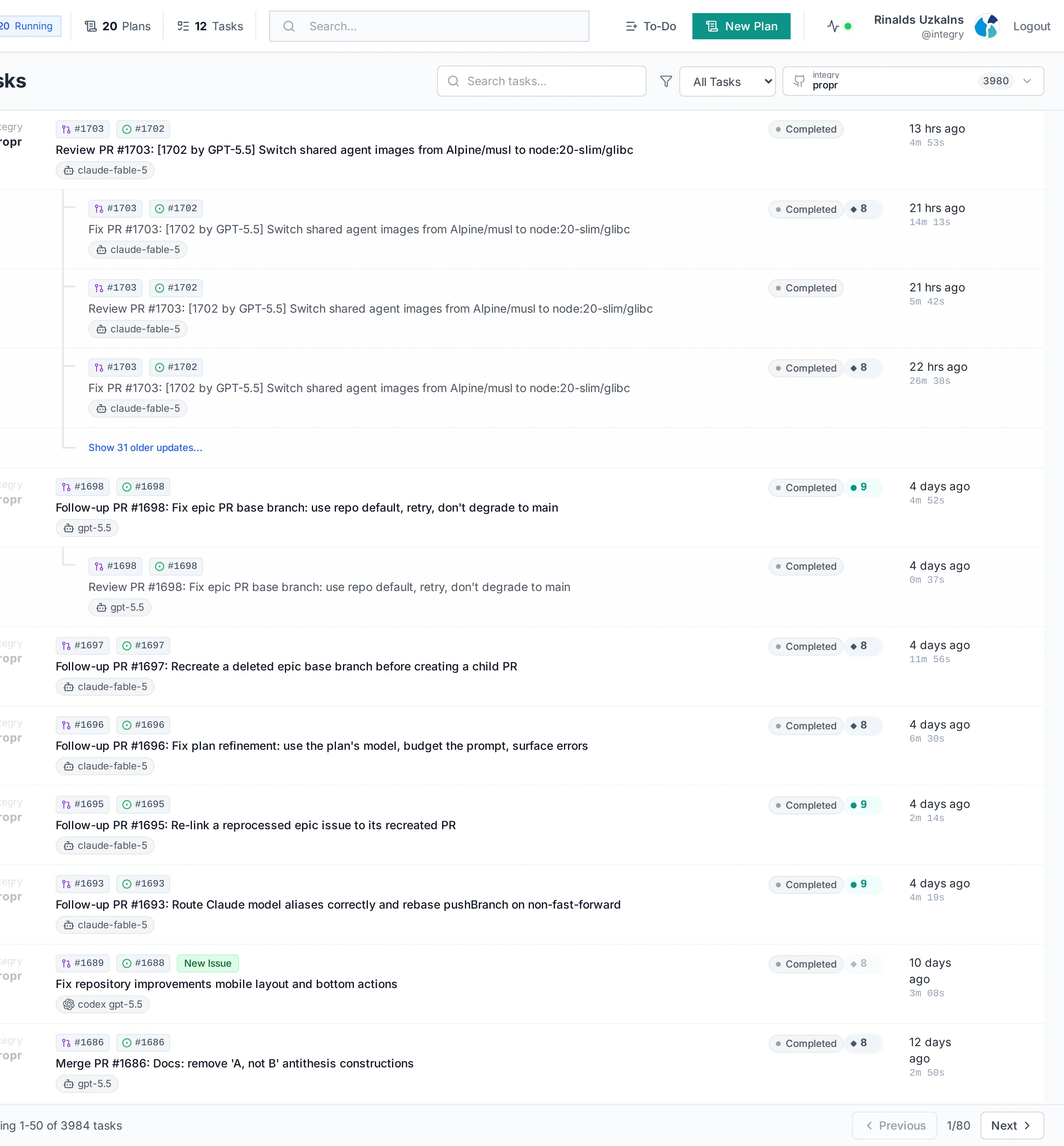
integry/propr repository. Aggregate account totals are excluded.The full ProPR codebase under Apache 2.0 — read it, self-host it, adapt it, contribute back.
Published images on Docker Hub cover the app, web UI, docs, launcher, and a runtime per supported agent (Claude Code, Codex, Antigravity, OpenCode, Mistral Vibe). The launcher pulls and manages the stack with one command.
Issue and PR intake works through the hosted WebSocket relay by default, with webhooks and polling available as alternatives. Starting needs no inbound endpoint. The documentation covers credentials, directories, update flow, and a hardened production install.
The operational boundary matters because ProPR sees plans, prompts, repositories, task logs, provider credentials, and GitHub actions. The trust and security page details what stays inside your deployment, what GitHub receives, and what the selected model provider receives for each task.
Repository clones, task files, indexing state, logs, and worker state live in the ProPR stack you run.
You choose Claude Code, Codex, Antigravity CLI, Mistral Vibe, OpenCode, subscription-backed access, or direct APIs by configuration and task routing.
Branches, PRs, comments, checks, and merge decisions remain in the normal GitHub path.
Direct MCP exposes https://<instance>/api/mcp, with standalone instance OAuth. The direct route bypasses Connect. You operate client reachability and authenticate through the browser. Check MCP build and availability requirements. Follow direct-instance operator setup.
The optional Connect route uses the same core controls through a registered managed tunnel, which remains Plus-only. Agents and execution remain on your instance in both cases. Requested results reach your chat host; the hosted MCP gateway also processes those payloads.