Reachable however you host it
Open your existing web-accessible instance or use the optional ProPR Connect managed tunnel. The dashboard, plans, task details, live logs, and usage views work on mobile networks.
ProPR runs agents on your server. Open the responsive web UI from any device or use the optional ProPR Connect managed tunnel. Approve plans, watch live logs, check Agent Tank capacity, and steer pull requests from GitHub mobile.
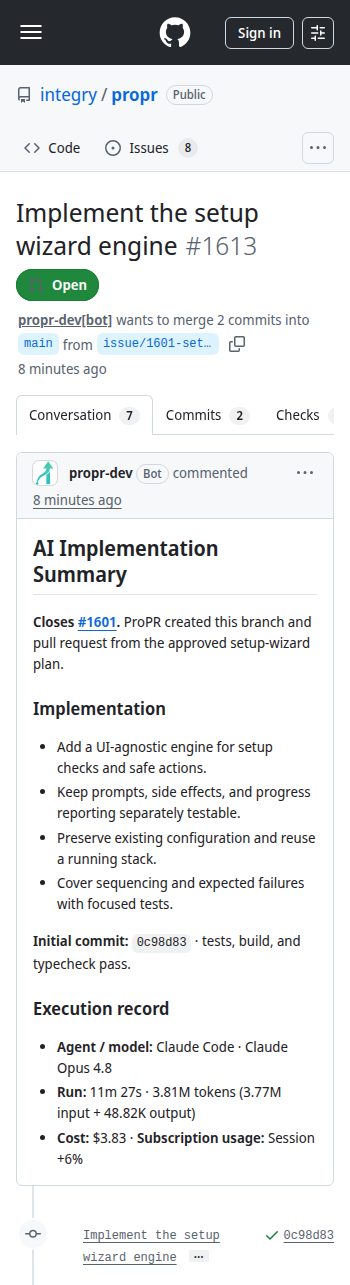
Start in the responsive ProPR UI, follow the task list, and inspect the resulting public pull request in GitHub.
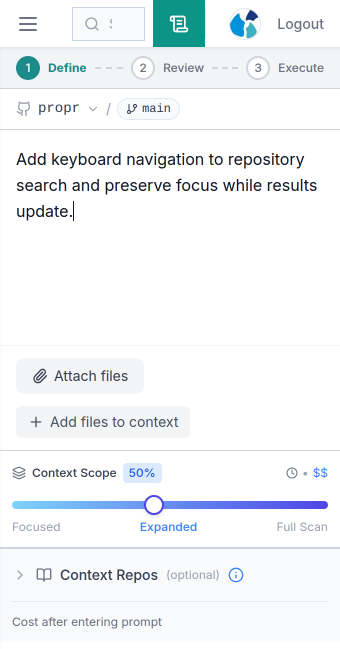
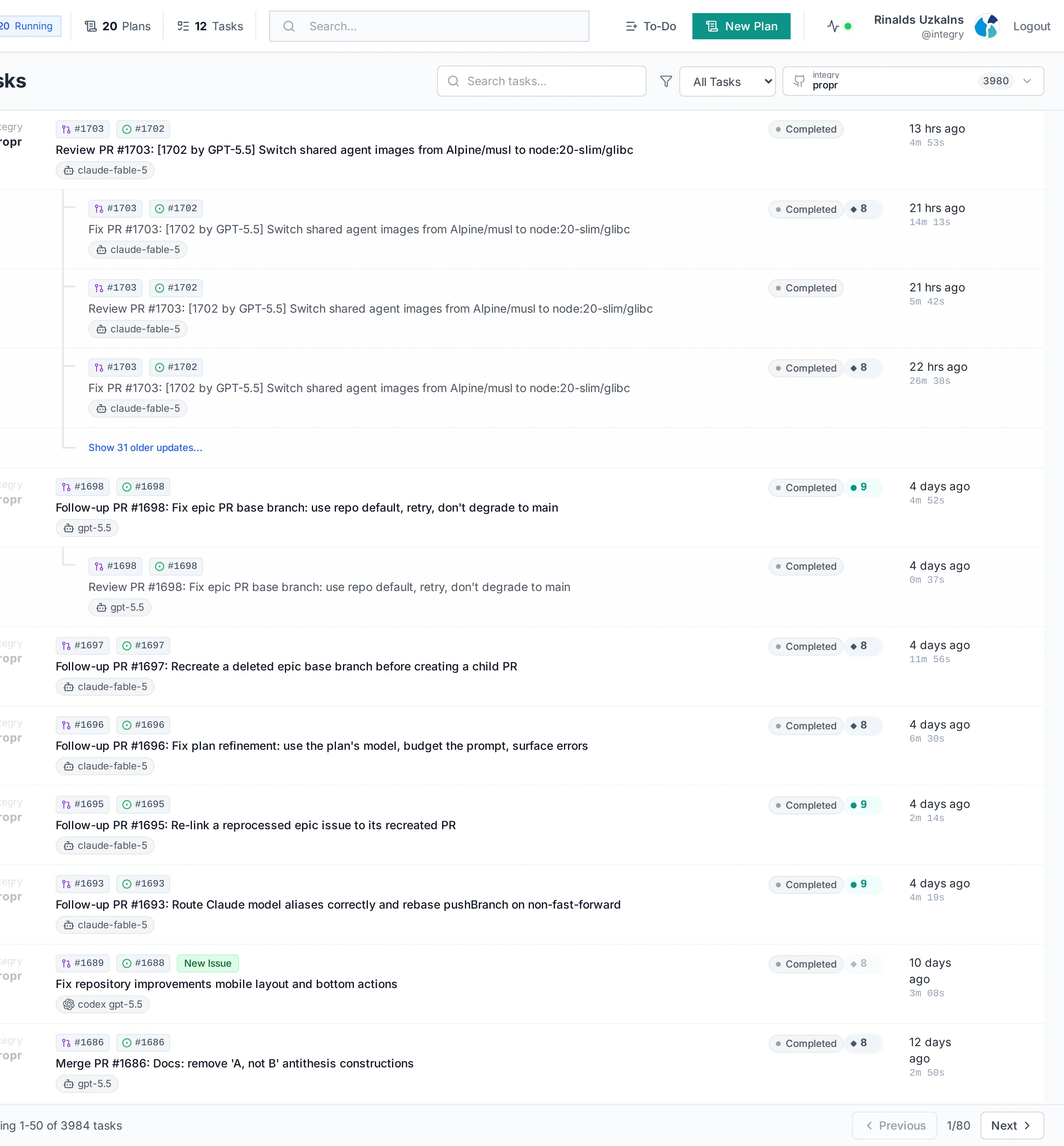
Open your existing web-accessible instance or use the optional ProPR Connect managed tunnel. The dashboard, plans, task details, live logs, and usage views work on mobile networks.
Plain follow-up requests, /review, review-driven /fix, /merge, /switch, and /ultrafix all work from the GitHub app.
Progress and completion arrive as normal GitHub comments through notifications already on your phone.
Add a trigger label like AI to a GitHub issue in the mobile app, or open the web UI to start an approved plan.
The agent works in its own Git worktree and Docker workspace on your server. Nothing executes on your device.
The diff, checks, conversation, and completion comments are normal GitHub surfaces, so review works wherever GitHub does.
Ask for changes in plain language or use comment commands for AI review suggestions, branch updates, and model routing.
The mobile web UI keeps task logs, file diffs, cost, and Agent Tank capacity a tap away when something needs a closer look.
Monitoring active tasks, approving a refined plan, unblocking a waiting PR, requesting a follow-up fix, checking why a run failed, and keeping a long Ultrafix loop honest while you are away from your desk.
Deep planning sessions with heavy context curation are more comfortable on a desktop, and terminal-first work belongs in the CLI. Mobile gives you the same tasks and actions for quick steering between deeper desk sessions.